For Canva Users Who Want To Brand, Publish And Track Their Designs

Turn your Canva designs
into interactive flipbooks
right inside Canva

Give your designs a page-turning feel that keeps viewers engaged.
Share with a single link, track viewer engagement and keep everything
synced with changes you make in Canva.

Try Simplebooklet with Canva
It's free - no credit card required
wreath left
“Simplebooklet with Canva has all the features we need to deliver thousands of pieces of collateral to thousands of clients.”
Meredith
Meredith
One Digital
5 star
 wreath right

Helping 100,000+ Canva Users Turn Designs Into Interactive, Branded Flipbooks

OneDigital Eagle Eye City of San Diego Food for the Poor Hunt Club Go Touch Down Woodward Academy Mackay Regional Council CADE Museum Wines of British Columbia Realize Bradenton USCUniversity of Soulthern California Dekalb County Reorgia York County Pennsylvania Franklin County Fort Worth County of Faireax Virginia University of Arkansas

Once you've made your great design, you need a great way to share it...

With Simplebooklet
  • Interactive flipbooks with lifelike page-turning that captures attention instantly
  • Smart tracking shows who's reading, what hooked them & when they're most engaged
  • Supports immersive videos, animations, and interactive elements on your pages
  • Single memorable and brandable link that's always up to date, so everyone sees the latest version
  • Built-in forms capture leads and notifications show exactly when to follow up
Without Simplebooklet
  • Flat design presentation that's less engaging for readers
  • No way to track who's reading or engaging with your content
  • Static files lose all your animations and interactive elements
  • Have to reshare your designs every time you make updates
  • No way to capture leads or drive audience action

Make your designs interactive, shareable and trackable in 3 easy steps:

Step #1

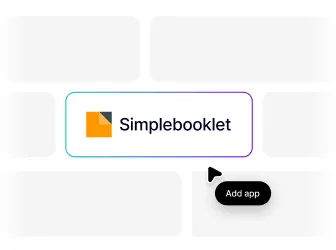
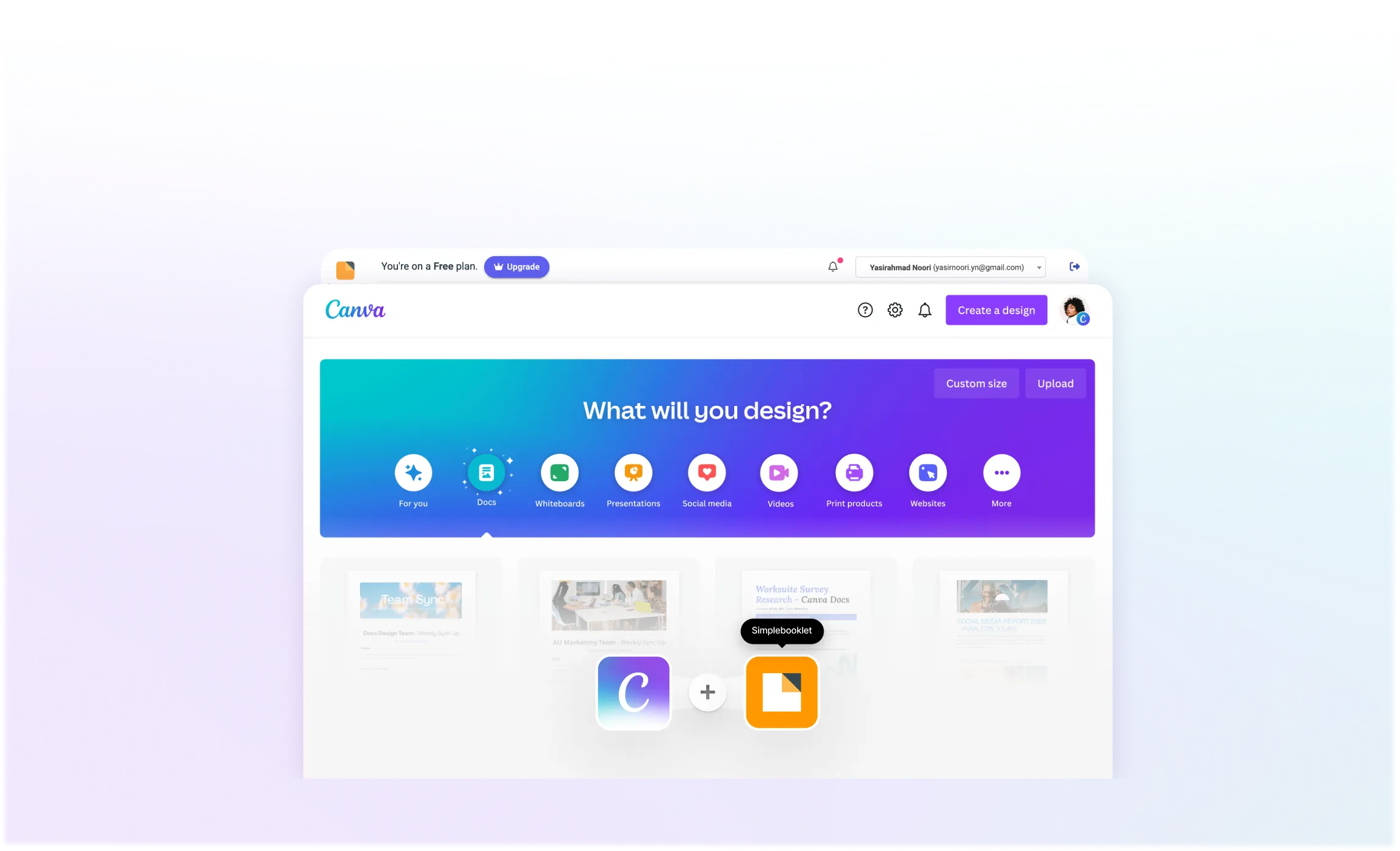
Add Simplebooklet from the Canva Apps Marketplace

Step 1 UI
Step #2

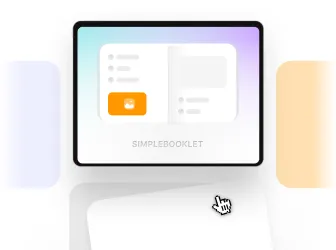
Pick a flip style and convert your design into a flipbook

Step 2 UI
Step #3

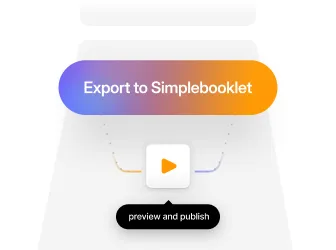
Export to Simplebooklet to preview and publish

Step 3 UI
Try Simplebooklet with Canva
It's free and there's no card required
Left Wreath
“Non stop new features and amazing UX makes Simplebooklet my go to collateral presentation tool. I love using it!”
Leonard
Leonard
GoTouchDown Travel
5 star
Right Wreath

Simple to publish, track engagement and prompt readers to take action.

Share your designs everywhere, in an instant

No lost downloads - send your flipbook as a simple weblink.

  • Publish by email, text, or social media
  • Embed it on your website or landing page
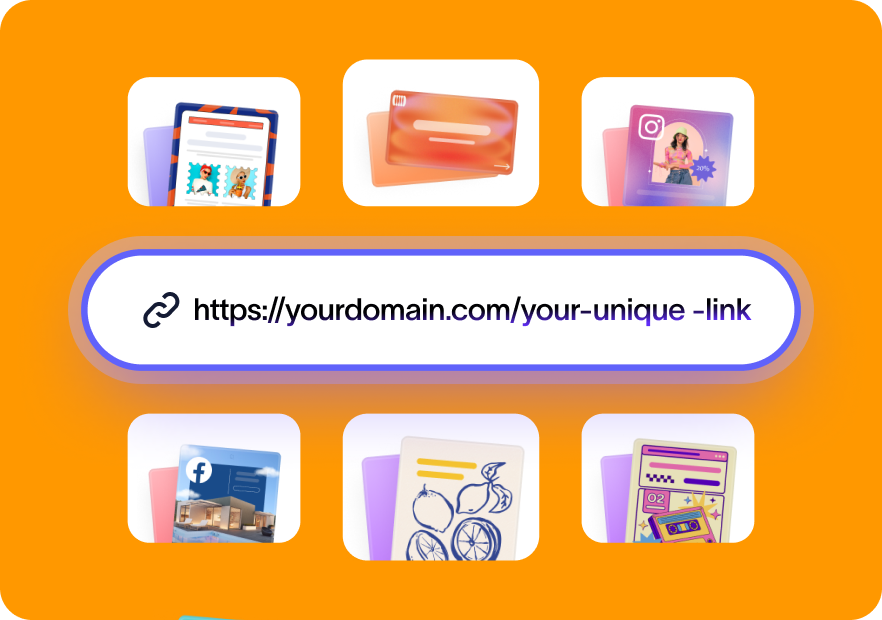
  • Organize all your flipbooks under one branded link
Share features

Understand who's engaging with your content and when

Know exactly how people interact with your content.

  • See who opens your flipbook
  • Track which pages and links get clicks
  • Get real-time notifications when activity happens
Analytics features

Keep your designs up to date automatically

Make edits in Canva and your live link updates everywhere - no re-sending needed.

  • Changes sync automatically to your link
  • No version confusion or outdated files
  • Everyone sees the latest version instantly
Update features

Capture leads directly from your flipbook

Turn readers into subscribers or customers with interactive CTAs.

  • Add buttons, pop-ups and gates to capture emails
  • Embed image carousel, videos or audio narration for richer storytelling
  • Add QR codes to attract leads from print materials
Lead capture features

Watch how we turn a static Canva design into an interactive flipbook in just a few clicks

Try Simplebooklet with Canva
It's free to try
wreath left
“Simplebooklet has transformed our customer communications and reduced our paper costs significantly.”
Wendy
Wendy
Food For The Poor
5 star
wreath right
Rated 5/5 Stars By Canva Users Across The World

Here's why 100,000+ of Canva users choose to share their designs with Simplebooklet

verified Verified
"Issuu is great for magazines but Simplebooklet blows it away when it comes to marketing and sales collateral."
Joe
verified Verified
"Non stop new features and amazing UX makes Simplebooklet my go to document presentation tool. I love using it!"
Wendy
verified Verified
"Issuu is great for magazines but Simplebooklet blows it away."
Joe
verified Verified
"Simplebooklet has transformed our customer communications."
Wendy
verified Verified
"Amazing tool for our entire marketing team."
Brian
verified Verified
"Simplebooklet has transformed our customer communications."
Wendy
verified Verified
"Best integration with Canva I have ever used."
Leonard
verified Verified
"Amazing tool for our entire marketing team."
Brian
verified Verified
"Best integration with Canva I have ever used."
Meredith
verified Verified
"Non stop new features and amazing UX."
Leonard
verified Verified
"The analytics are super helpful for our clients."
Wendy
verified Verified
"Highly recommend for any business."
grimes_county
verified Verified
"Non stop new features and amazing UX."
Wendy
verified Verified
"The analytics are super helpful for our clients."
Brian
verified Verified
"Highly recommend for any business."
Leonard class="tm-avatar">
Leonard Wendy Joe
4,876+ People Signed Up To Simplebooklet This Week | Load More Reviews
Add

Brochures, presentations, guides, reports and more... see how Simplebooklet brings your static content to life

Ready To Do More With Your Designs?

Turn your Canva designs into flipbooks
that stand out and drive engagement

Publish your Canva designs to the web with a page-turning feel that keeps viewers engaged and drives action. See how people interact with your content through analytics, and keep everything synced up with changes you make in Canva.

Try Simplebooklet with Canva
It's free and there's no card required
Interface

Frequently asked questions

Do I need to download my Canva design first? add
No, you don't need to download your designs first. Just install the Simplebooklet plugin in Canva, choose your flip style and you will be able to turn your designs into flipbooks directly from Canva. Even better, any updates you make to your design in Canva will be available to replace your already published Simplebooklet - keeping the same weblink - just updating the content.
How is this different from just sharing my Canva link? add
Canva's share link is a basic viewer. People can see your design, but it's clearly in the Canva presentation environment. No unique page transitions, no simple weblink with your own domain, no logos, brand colors, and custom backgrounds, no tracking who viewed it and no way to capture leads.

Simplebooklet is for those who already have collateral - and need a fast, professional way to show it, share it, and know it's working.
What types of Canva designs work with Simplebooklet? add
Simplebooklet is optimized for Canva print and website designs - brochures, presentations, proposals, menus, reports, portfolios, or guides. Simplebooklet is built for content meant to be flipped through, just like printed materials. Think of it as the perfect fit for any design where the page-turning experience matters.
What if I need to update my design? add
Unlike PDFs, you don't need to send everyone a completely new version. Just update your design in Canva, and use the replace button in our Simplebooklet plugin to update your published version. Your link never changes, so no more version chaos or outdated files floating around. And the next time your audience clicks on your familiar link, they see the latest version instantly.
Do I need a Canva Pro account to use Simplebooklet in Canva? add
No. Simplebooklet works with both free and paid Canva accounts.
Can I create collections of multiple flipbooks? add
Yes, with the Pro plan. You can group multiple flipbooks into a single collection - perfect for organizing portfolios, product catalogs, or client deliverables in one place, from a branded, easy to remember link.